RoomCanvas
Local-first projection mapping

Turn the room into the screen.

Point a projector at anything — a box, a door, a whole wall — and RoomCanvas maps light onto it from your phone. Scan surfaces with your camera, paint them with live shader looks, and cast in one tap.

store listings in preparation — this page becomes the download hub the day they clear review

CHROMECAST AIRPLAY HDMI ANY BROWSER
LIVE — LIVING ROOM TV
WALL · SOFT PLASMA
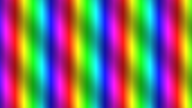
WINDOW · RAINBOW
WINDOW · TUNNEL
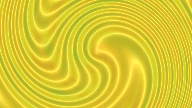
BOX · OIL SWIRL
Time7:42 PMSat, Jul 12
Weather72 °FClear
Tonight's project

From blank wall to living display in three minutes.

A guided Quick Start walks you through the whole thing — no manual, no jargon, one decision per screen.

1

Connect

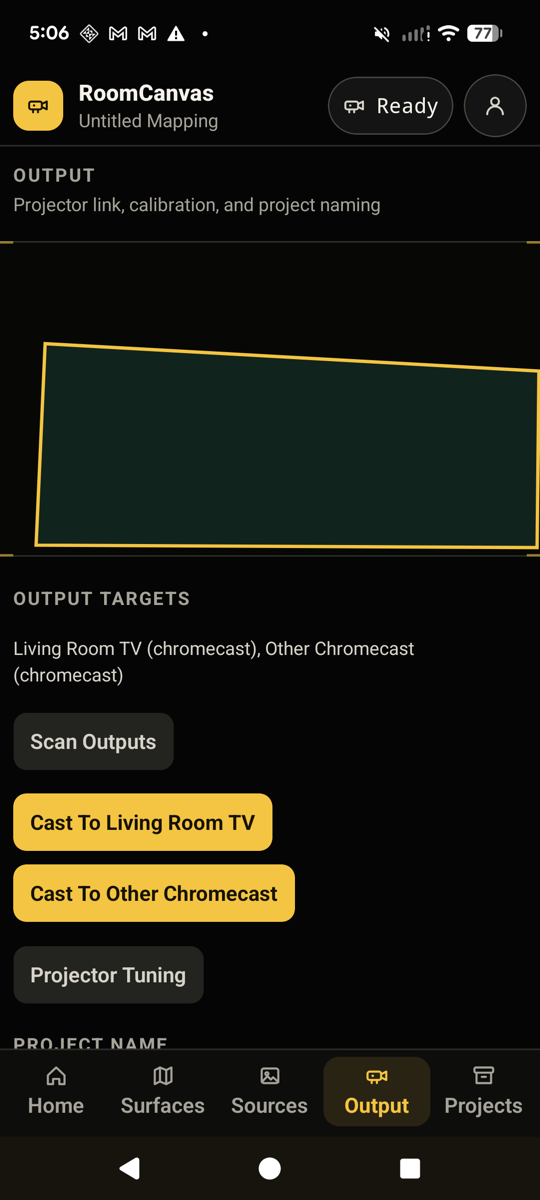
Chromecast, AirPlay, HDMI, or a browser window. Nearby devices appear by name — one tap and the wall is yours, in about three seconds.

2

Fit

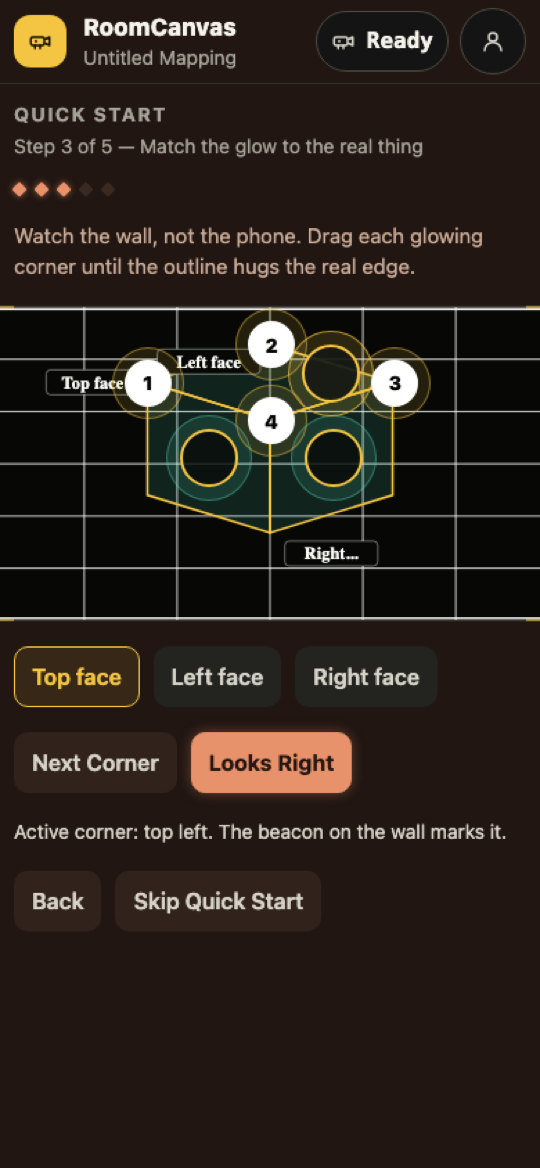
Pick “a box”, “a wall”, or scan the room with your camera — structured light finds every surface for you. Drag glowing corners until the light hugs the real edges.

3

Paint

Tap a look and it plays on your surfaces instantly. Plasma, tunnels, neon skylines — 30+ live GPU shaders, previewed exactly as they’ll appear.
What people point it at

One projector. A room full of possibilities.

Anything with a surface is a screen waiting to happen — and because everything runs from your phone, the setup moves wherever the night goes.

Tonight

Movie nights & parties

Fill the wall behind the couch with slow plasma while the movie loads, then flip the whole room to a rainbow tunnel when the music starts. One tap per mood.

Seasonal

Holiday windows

Map the window frame once in October and it becomes a haunted portal; remap in December and it snows indoors. The neighbors will ask questions.

Every day

Ambient rooms

A glowing cube on the shelf, a live clock and weather on the door, aurora drifting across the ceiling — calmer than a TV, cooler than a lamp.

Makers

Art, booths & displays

Camera-scan a sculpture or a stack of boxes and every face becomes a mapped canvas in minutes — no media server, no laptop, no rental rig.

The stage

A projectionist's toolkit in your pocket.

01Camera auto-scan

OpenCV-style structured light: the projector flashes Gray-code patterns, your camera decodes them, and every wall, door, and frame becomes a mapped surface.

02One-tap casting

Named devices, no dialogs, ~3 seconds to live. Casting keeps playing when you leave the app — the show doesn’t stop because your phone locked.

03Live shader looks

Real GLSL running on the output itself — seamless projective warping onto any quad, at full frame rate.

04Calibrate trackpad

Eyes on the wall, not the phone: a corner-by-corner beacon walk with fine-drag control for pixel-perfect edges.

05Key-free widgets

Weather, clock, transit arrivals, calendar — real data with zero API keys. Sign-in only where it’s yours (Spotify, opt-in).

06Local-first

No account. No cloud. No analytics. Projects live on your phone; the only thing that leaves it is light.

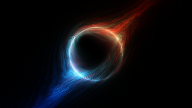
Plasma Glow shader frame
PLASMA GLOW
Tunnel shader frame
TUNNEL
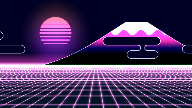
Cyber Fuji shader frame
CYBER FUJI
Rainbow shader frame
RAINBOW
Warp Plasma shader frame
WARP PLASMA
Vaporwave shader frame
VAPORWAVE
Oil Swirl shader frame
OIL SWIRL
Singularity shader frame
SINGULARITY
PLASMA GLOW
TUNNEL
CYBER FUJI
RAINBOW
WARP PLASMA
VAPORWAVE
OIL SWIRL
SINGULARITY
Straight off a phone

Warm where you plan. Dark where you work.

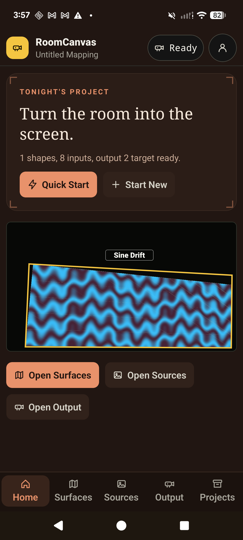
Real screenshots, not mockups: the guided home, the corner-fit editor, and a live cast to a living-room TV.

RoomCanvas home screen with Tonight's project and Quick Start

Tonight's project

Open the app and it reads like a plan for the evening, not a settings tree. Quick Start carries you the whole way.

Quick Start corner-fitting step with a mapped cube

Fit the glow

Drag numbered corners while watching the wall — the beacon on the output marks the one you're holding.

Output screen live-casting to a Living Room TV

One tap to the wall

Nearby screens listed by name the moment you arrive. Tap, and you’re live in about three seconds — no dialogs, and the cast keeps playing when you leave the app.

From the same workshop

Got a TV instead of a projector? Meet WallCast.

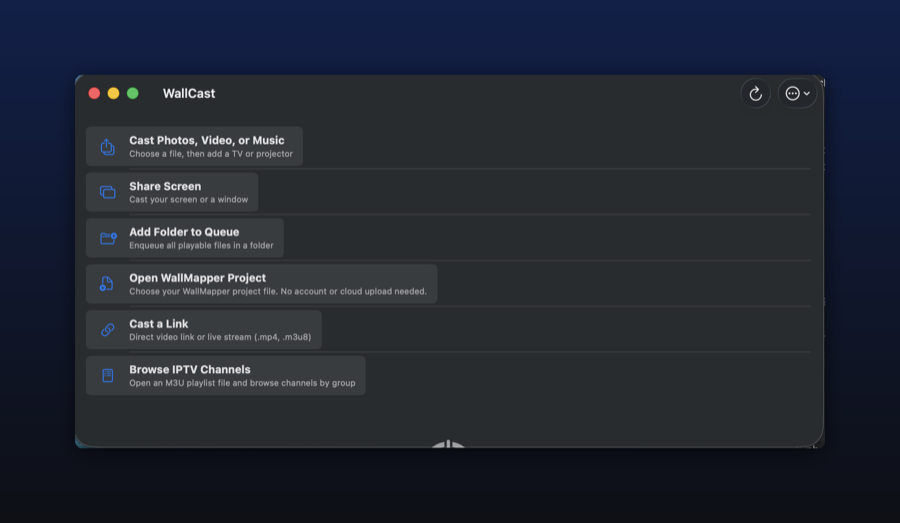
RoomCanvas maps light onto real objects. Its sibling, WallCast, just gets your video, photos, music, or screen onto any TV — the free, open-source caster the App Store never had.

Free · open source · MIT

WallCast

Cast local files (with real seeking), your screen, a folder, a live link, or browse your NAS/Plex — and every transport control is free forever. No ads, no subscriptions, no tracking. Built after reading the 1-star reviews of every paid DLNA app.

DLNA / UPnP SCREEN SHARE SUBTITLES ZERO TRACKING

v1.0.0 · 3.7 MB DMG · macOS 14+ · first launch: right-click → Open (unsigned open-source build)

WallCast launcher on macOS
The quiet part

Your room. Your phone. Nobody else's business.

  • No account, subscription, or trial gate — the app is yours the moment it installs.
  • Projects, photos, and scans never leave the device.
  • Every widget uses public, key-free data sources.
  • Camera frames from room scans are processed on-device and discarded.